
Download Gartic Phone – Free Online Pictionary‑Telephone Game
Overview
Gartic Phone is a free‑to‑play, browser‑based party game that blends the classic drawing challenge of Pictionary with the telephone‑style miscommunication of the “telephone” game. Players take turns either describing a phrase, drawing it, or guessing the original prompt, creating a hilarious chain of interpretations that often ends in a completely different outcome. The game works equally well with a close group of friends or with strangers on public servers, making it a versatile option for casual hangouts, virtual classroom icebreakers, or streaming sessions.
Because it runs in any modern web browser, there’s no need for heavy installations; you simply visit the site, pick a nickname (or log in to keep your progress), and jump straight into the action. The interface is clean, the drawing tools are intuitive, and the built‑in chat lets you coordinate rounds or share a laugh when the final reveal displays the evolution of each sketch. Whether you’re a seasoned doodler, a quick‑thinker, or just looking for a light‑hearted way to connect with others online, Gartic Phone delivers a continuously fresh, funny, and engaging multiplayer experience.
Core Features & Game Modes
- Classic Telephone Rounds: One player writes a phrase, the next draws it, the following player guesses, and the chain continues until the original phrase is revealed.
- Multiple Game Modes: Includes “Normal,” “Knock‑Off” (speed drawing), “Solo” (5‑frame animation), “Answer Reveal,” “Mix‑Up,” and more, each adding a unique twist to the standard gameplay.
- Public & Private Lobbies: Join public rooms to meet new people or create private rooms for friends, with optional password protection.
- Customizable Settings: Adjust round time, number of players, drawing tools, and language preferences to fit any group size or skill level.
- Progress Tracking: Register an account to save stats, earn badges, and access leaderboards.
- Cross‑Platform Compatibility: Play on Windows, macOS, Linux, Android, or iOS via any modern browser; no download required.
- Responsive Drawing Tools: Includes brush size, color palette, eraser, and undo/redo functions, optimized for both mouse and touch‑screen devices.
- Social Sharing: Export final round results as images or GIFs for sharing on social media platforms.
Each mode is designed to test different aspects of creativity and communication. For instance, “Knock‑Off” forces players to produce recognizable sketches under a tight time limit, often resulting in hilariously crude drawings. “Solo” invites you to craft a short animation in just five frames, turning the game into a micro‑stop‑motion studio. The variety ensures that repeat playthroughs stay fresh, while the simple UI keeps the learning curve minimal. Whether you prefer a relaxed, chat‑heavy session or a rapid‑fire drawing marathon, Gartic Phone’s feature set scales to match the vibe you’re after.
Installation, Usage & Compatibility
How to Get Started
Getting started with Gartic Phone is intentionally straightforward. Since the game is web‑based, there is no traditional “installation” process. Follow these steps for a smooth launch:
- Open a modern browser (Chrome, Firefox, Edge, Safari) on your device.
- Navigate to garticphone.com.
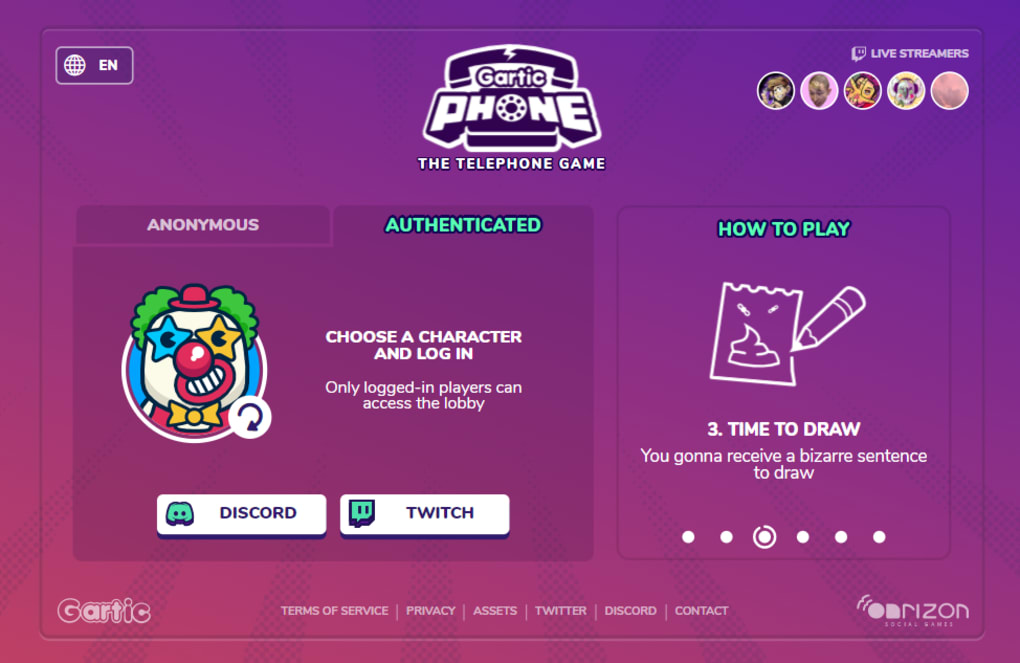
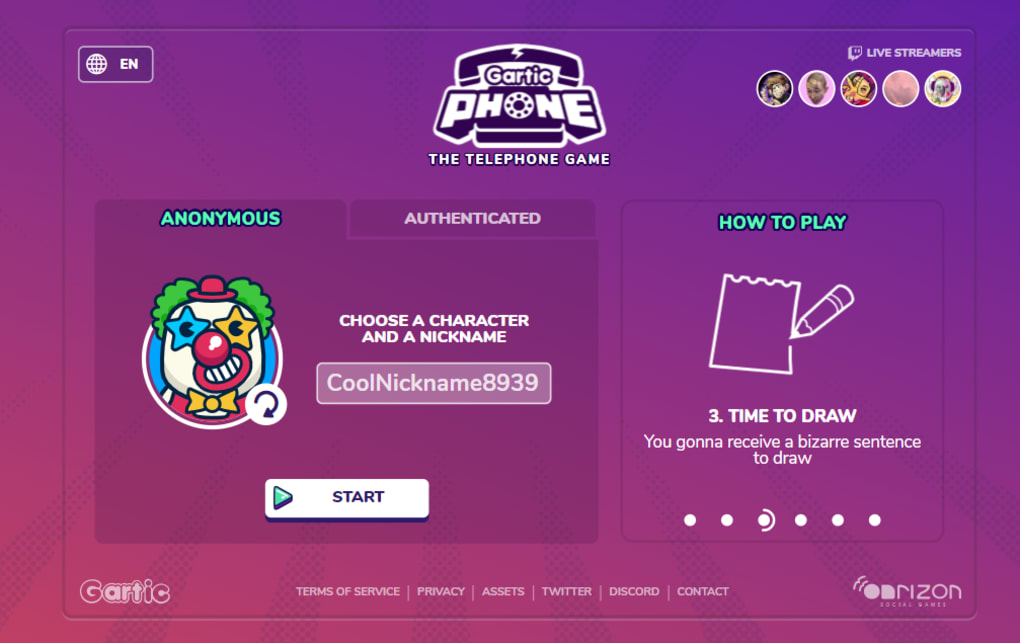
- Choose “Play as Guest” for an anonymous session or click “Sign Up” to create a free account for progress tracking.
- Select a game mode, set the round timer, and decide whether you want a public or private room.
- Invite friends by sharing the room URL or join an existing public lobby from the “Explore” page.
- When the round starts, follow the on‑screen prompts: write, draw, or guess as indicated.
System Requirements
Gartic Phone runs on any device capable of supporting HTML5 and WebGL, which includes:
- Windows 10 or later (Chrome, Edge, Firefox, or Opera)
- macOS 10.13+ (Safari, Chrome, or Firefox)
- Linux distributions with a recent Chromium‑based browser
- Android 7.0+ (Chrome or Firefox mobile)
- iOS 13+ (Safari or Chrome)
For the best drawing experience, especially in “Solo” or “Knock‑Off” modes, using a stylus or drawing tablet is recommended, but the mouse works perfectly fine and adds to the comedic “bad art” factor many players enjoy. Ensure a stable internet connection (minimum 3 Mbps) to avoid lag or dropped frames during fast‑paced rounds. The game automatically saves your settings in the browser’s local storage, so you can return later without losing your preferences.
Pros and Cons
What Makes Gartic Phone Stand Out
- Free and Accessible: No cost, no downloads, and works across all major platforms.
- Highly Replayable: Numerous game modes and endless player combinations keep gameplay fresh.
- Social Interaction: Perfect for virtual parties, team‑building, or classroom activities.
- Easy to Learn: Intuitive UI and clear instructions allow new players to join instantly.
- Creative Outlet: Encourages artistic expression even for those who consider themselves “non‑artists.”
Potential Drawbacks
- Dependence on Internet: Requires a stable connection; poor bandwidth can cause drawing lag.
- Limited Offline Play: No native offline mode; you must be online to start a session.
- Drawing Tools Are Basic: Advanced artists may miss features like layers or pressure sensitivity.
- Potential for Inappropriate Content: Public rooms are unmoderated, so occasional offensive drawings may appear.
- Browser Performance Variance: Older browsers may struggle with fast‑paced “Knock‑Off” rounds.
Overall, the benefits of a free, cross‑platform, socially driven drawing game far outweigh the minor inconveniences. Most users find the simplicity a strength rather than a limitation, especially given the game’s focus on fun interaction rather than professional‑grade art creation.
Gartic Phone delivers an endlessly entertaining blend of creativity and chaos. The variety of modes keeps groups engaged, and the zero‑cost barrier makes it an ideal choice for spontaneous online gatherings. While the drawing tools are simple, that simplicity fuels the comedic spirit of the game. Highly recommended for anyone looking for a quick, laugh‑filled multiplayer experience.
Frequently Asked Questions
Is Gartic Phone completely free to play?
Yes, the core game is free. There are optional cosmetic purchases, but they do not affect gameplay.
Can I play Gartic Phone on mobile devices?
Absolutely. The web version is fully responsive and works on Android and iOS browsers.
Do I need to create an account to join public rooms?
No, you can join as a guest. Creating an account only saves your stats and lets you create private rooms.
What are the recommended system specs for smooth gameplay?
A modern browser, at least 3 Mbps internet speed, and a device capable of running HTML5. No special hardware is required.
Is there a way to report inappropriate drawings or behavior?
Yes, each room has a “Report” button that notifies moderators. In severe cases, you can block the offending player.
Conclusion & Call to Action
Gartic Phone has cemented itself as one of the most enjoyable free online drawing games available today. Its blend of simple mechanics, diverse game modes, and cross‑platform accessibility creates a perfect recipe for spontaneous fun, whether you’re hanging out with friends, teaching a class, or streaming to an audience. The minimal learning curve means anyone can join instantly, and the endless permutations of sketches and guesses guarantee that no two sessions are alike. While the reliance on a stable internet connection and the basic drawing toolkit may deter professional artists, those limitations actually enhance the comedic, “what‑did‑that‑look‑like?” charm that makes the game so memorable.
Ready to experience the chaos and laughter for yourself? Visit Gartic Phone now, create a room, invite your friends, and let the drawing telephone begin. The game is free, secure, and updated regularly with fresh content, so there’s never a dull moment. Dive in today and discover why millions of players worldwide keep coming back for another round of hilariously distorted artwork.



.png)



